In this article
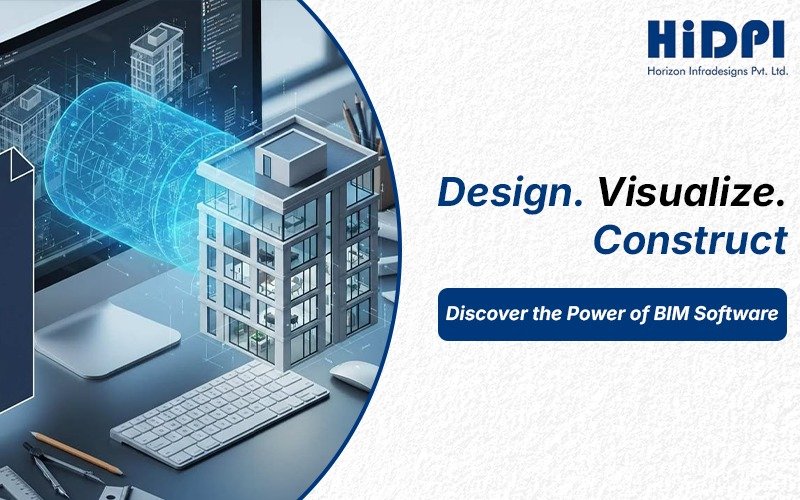
The construction industry today uses BIM software to create advanced methods of building project planning and design and operational management. Architects and engineers and contractors use BIM technology to create intelligent 3D models which serve as the primary tool for modern architectural design and construction work. The advanced BIM platforms which support contemporary design work use integrated digital modeling techniques to operationalize projects from their initial phase until their final phase while making work processes more effective.
What is BIM Software and How It Works
BIM software (Building Information Modeling software) is a digital tool used to create intelligent 3D models for construction and architectural projects. BIM creates a unified model which combines design elements with real-time data about materials and dimensions and costs and schedules for construction projects. The smart BIM platforms allow architects and engineers and contractors to work together efficiently during all stages of a building project from its initial planning phase through design and construction until its ultimate maintenance period. The 3D modeling process uses accurate data which enables BIM to identify conflicts before they happen and improve decision making while decreasing project delays and enabling teams to work together more effectively during project execution.
Key Features of BIM Software
The modern BIM tools provide organizations with advanced functionalities which enable them to enhance their project performance through improved accuracy and efficiency and team collaboration. The following list presents the main advantages and features of BIM software:
- 3D BIM Modeling: Creates intelligent 3D building models with design data.
- Real-Time Collaboration: Enables real-time cooperation between architects, engineers, and contractors on BIM platforms.
- Clash Detection: Identifies clashes at an early stage, avoiding expensive mistakes in construction.
- Cost Estimation (5D BIM): Incorporates budgeting and materials into the process.
- Scheduling (4D BIM): Helps create links between project deadlines and construction works.
- Data Management: Tracks projects throughout all life cycle stages and improves data utilization in decision making.
Benefits of Using BIM Software
The increasing use of BIM technologies is explained by their ability to raise efficiency at every step of the way. The key benefit of any BIM software product is that BIM increases project accuracy through intelligent models and data usage. Besides, BIM enables collaboration among all project participants.
One more important benefit of BIM is that it reduces construction mistakes through clash detection and coordination. BIM software also helps save time and money with regard to planning and scheduling activities. Moreover, visualization provided by BIM tools makes it possible to take better decisions before construction starts.
Best BIM Software in 2026
Selection of proper BIM software depends on the scope and type of work along with the need for collaboration between teams. Some of the best BIM software currently in use as of 2026 include:
- Autodesk Revit: One of the best-known BIM platforms for designing architectural structures, doing structural engineering, and MEP projects.
- Navisworks: This program is famous for clash detection, project review, and construction coordination.
- Archicad: This is the BIM platform most preferred by architects for their projects.
- Bentley Systems: A good choice for infrastructure and civil engineering projects.
- Tekla Structures: The best option to model steel and concrete structures for construction projects.
BIM Tools for Architects
Modern-day BIM tools for architects enable architects to design and visualize buildings in a better way than ever before. They allow for the creation of precise 3D designs with all kinds of data attached, enhancing visualization, and making planning easier at every step of the process.
Accuracy is yet another advantage that makes designs conflict-free and construction error free. Designers can prepare realistic visualizations and walkthroughs of projects, allowing clients to have an insight into the layout, material used, and design itself. This makes the whole process easier and results in more approvals and collaborative efforts.
BIM Software for Construction Industry
It goes without saying that BIM software for the construction sector is extremely important. With the help of 3D modeling and project data that can be incorporated in the process, BIM enables project managers to effectively control the workflow, budget, scheduling, and resource management. BIM also promotes more effective coordination between all parties involved in a construction project.
In large construction projects such as infrastructure and commercial buildings, BIM software contributes greatly to effective communication and increased visibility at all phases of the construction process.
BIM Design Tools and Their Role
Design software in BIM allows architects and engineers to design smart models with accurate information about the construction process. Design tools in BIM help users draft, model, and visualize their designs efficiently. BIM tools integrate design with reality, thereby facilitating communication and collaboration among the stakeholders in the construction process. In addition, realistic visuals can be produced with BIM tools, allowing clients to gain a clear understanding of the proposed design.
Choosing the Right BIM Platform
Selection of appropriate BIM platforms depends on the objectives and requirements of the organization. The first step is the assessment of project requirements, such as size and complexity of the project and collaboration requirements. Budget is another factor to consider when selecting BIM platforms because BIM tools vary widely depending on their complexity and functions. User-friendly interfaces enhance productivity and efficiency, and hence users should consider ease of use when selecting BIM platforms.
Have a project in mind?
Talk to our structural engineers about design, PEB or turnkey construction.